
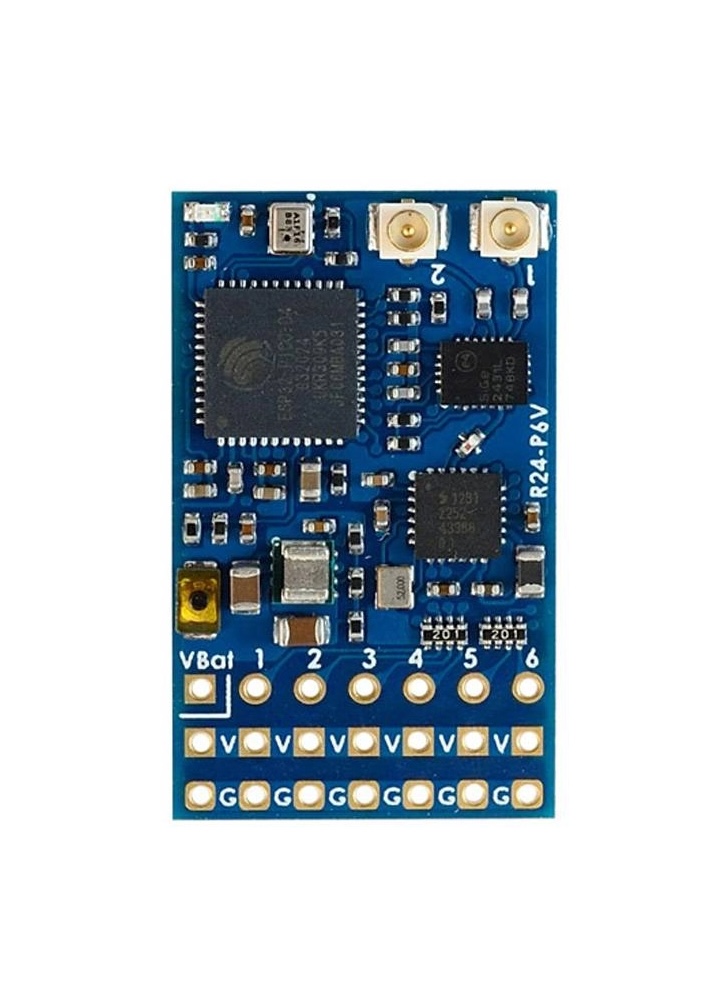
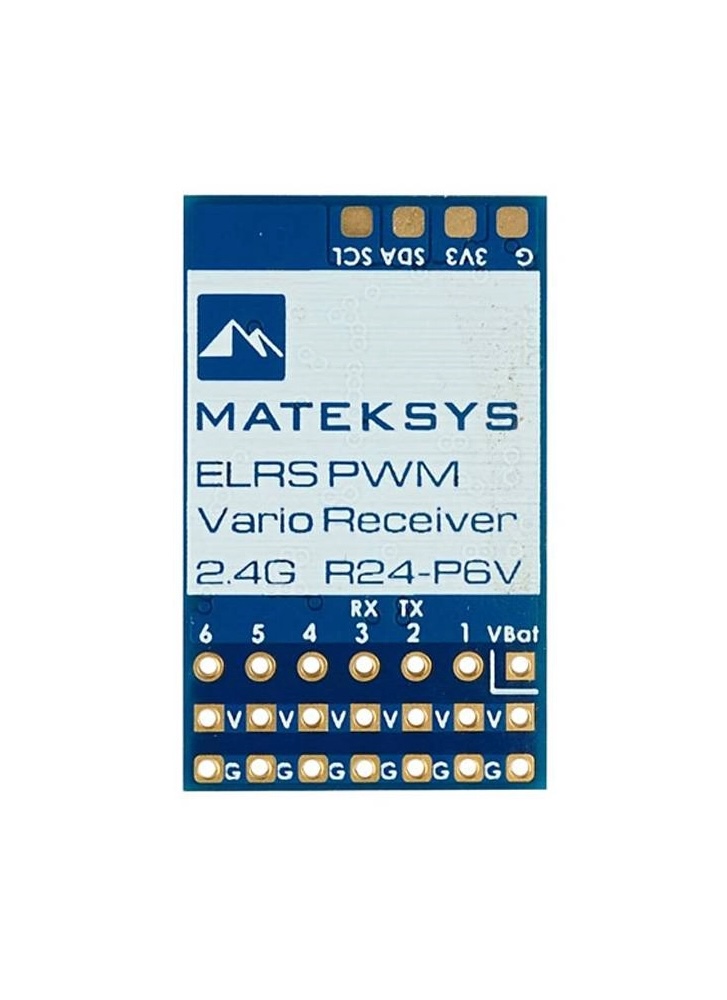
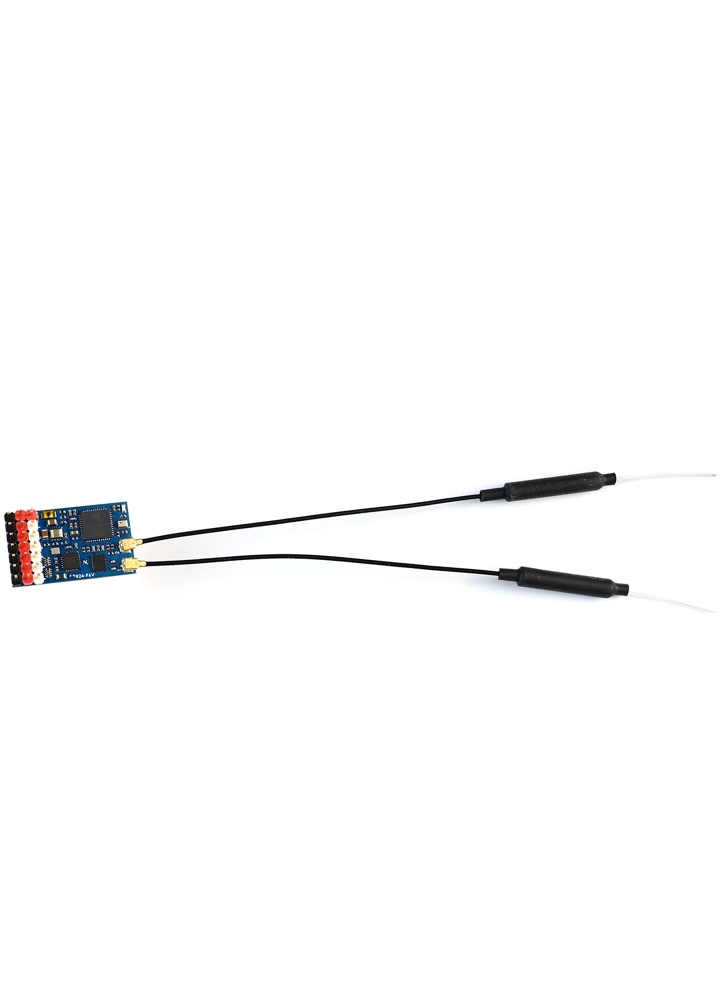
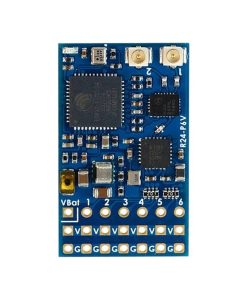
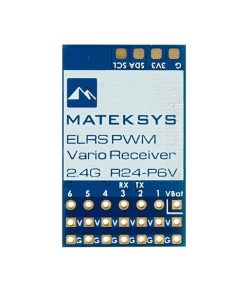
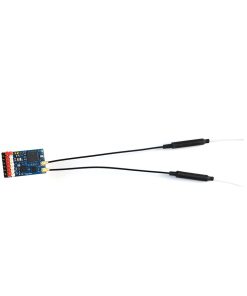
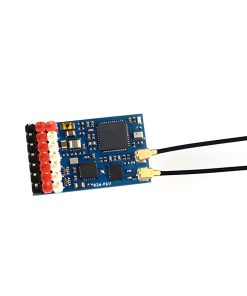

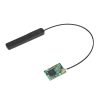

This ExpressLRS receiver from Matek is equipped with a vario (SPL06-001 barometer) to indicate the ascensional speed. This feature is particularly useful for glider pilots who need to locate and stay within thermal lift without constantly monitoring their transmitter.
Equipped with an ESP32 processor and SX1281 RF chip, the R24-P6V operates on the 2.4GHz frequency band and features 6 PWM outputs for connecting servos or other peripherals. The receiver supports 2-6S LiPo battery voltage sensing, allowing you to monitor your aircraft’s power status in real-time.
This compact receiver utilises the ExpressLRS protocol, ensuring fast, reliable, and low-latency control for your aircraft.
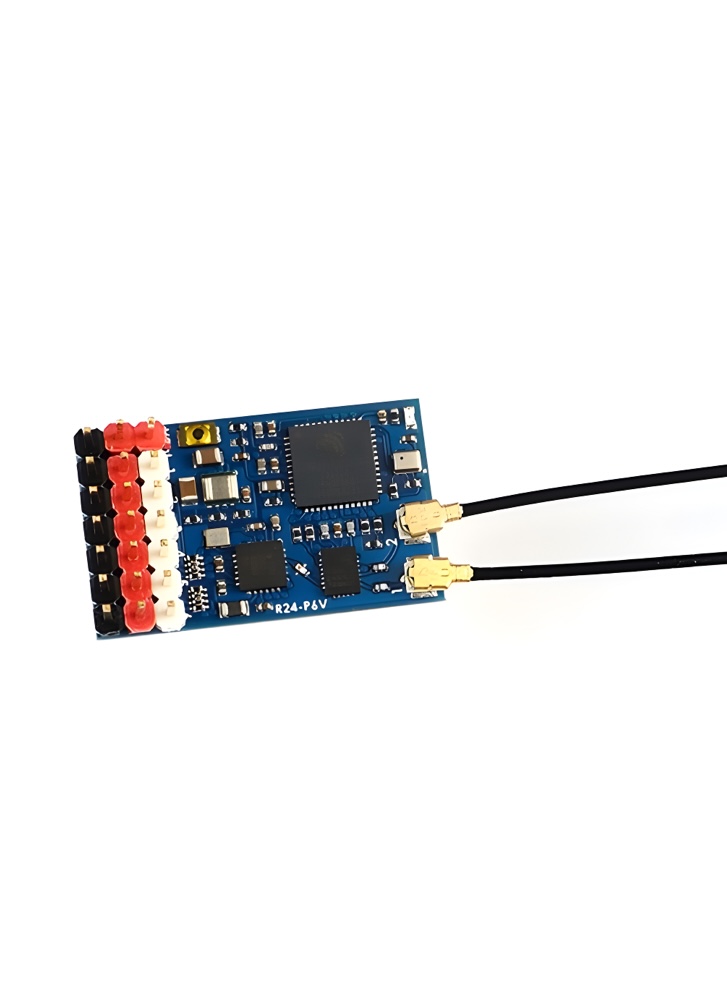
Please note, the header pins are included but don’t come soldered.
Firmwares
- ExpressLRS, wiki, Click HERE
- Receiver Target: Generic ESP32 PWM Vario 2.4Ghz RX, /or RadioMaster ER6-GV, /or RadioMaster ER6-G
- Receiver has ExpressLRS 3.3.2 preloaded with binding phrase “123456”, the Receiver will never enter binding mode if using the traditional binding procedure.
- You need to reflash it with your binding phrase OR connect it to your PC/phone via WiFi and set your binding phrase in WebUI.
Tips
- Full Resolution Switch Configuration Modes
- Powering receiver with Reverse Voltage will damage the regulator chip. DOUBLE CHECK the power wires connected to the receiver.
- Transmitter fw version should be EdgeTX 2.7.1/OpenTX 2.3.15 or newer
——————————————————-
Flashing via Wifi
- Power on receiver. Receiver’s LED(Red) will blink slow at first, and after 30s, it should blink fast indicating it’s on Wifi Hotspot Mode.
- Wifi SSID “ExpressLRS RX”, Password “expresslrs”
- More detailed steps, pls refer this page.
Flashing via UART
- Disconnect ESC and servos from receiver first.
- Wire the receiver into the USB-TTL adapter, with TX(PWM 2 pin) on receiver connected to the Rx on the USB-TTL, and RX(PWM 3 pin) on receiver connected to the Tx of the USB-TTL. Wire 5V and GND of the USB-TTL to “V” and GND of the Receiver.
- Press the boot button while powering on the receiver, then release – the Red LED on receiver should now be solid on.
- In configurator, Select the target Generic ESP32 PWM Vario 2.4Ghz RX, or RadioMaster ER6-GV and “UART” for Flashing Method, set your bind phrase and Firmware Options , Check “erase before flash” and “Force FLash “.
- Web-flasher https://expresslrs.github.io/web-flasher/
Be the first to review “Matek 2.4GHz R24-P6V ELRS 6CH PWM Vario Receiver”
Related products

Radio Control
2.4GHz Radio Receivers





ELRS Transmitters
Radiomaster TX15 Radio Controller Transmitter (ELRS) – Mode 2
2.4GHz Radio Receivers
2.4GHz Radio Receivers
Reviews
There are no reviews yet.